

Eliminate annoying admin notices for clients
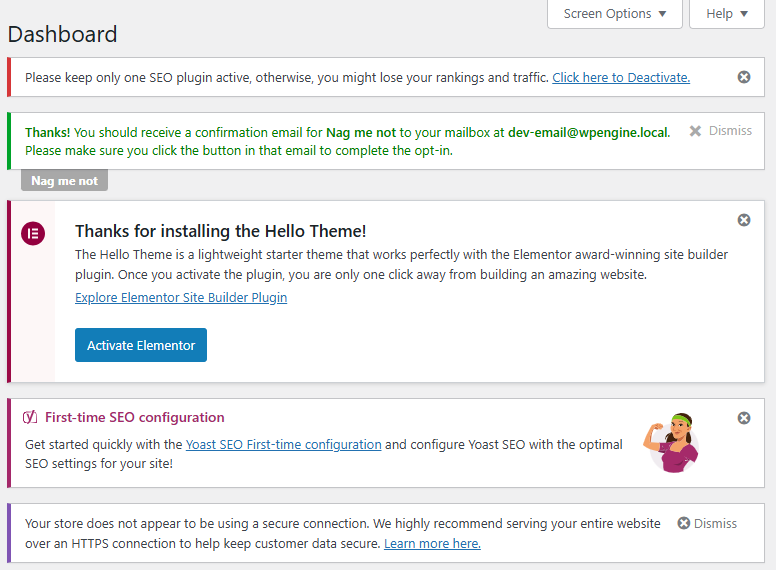
Deliver cleaner, less cluttered dashboards by hiding unnecessary admin notices and promotional messages that often confuse clients.
With Nag Me Not you can hide theme / plugin update notifications from your client admins. You can strike a per client balance between blocking all notices vs preventing plugin deactivations / deletions.
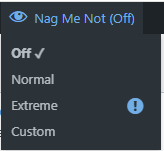
Your user can easily swap between modes while logged in.
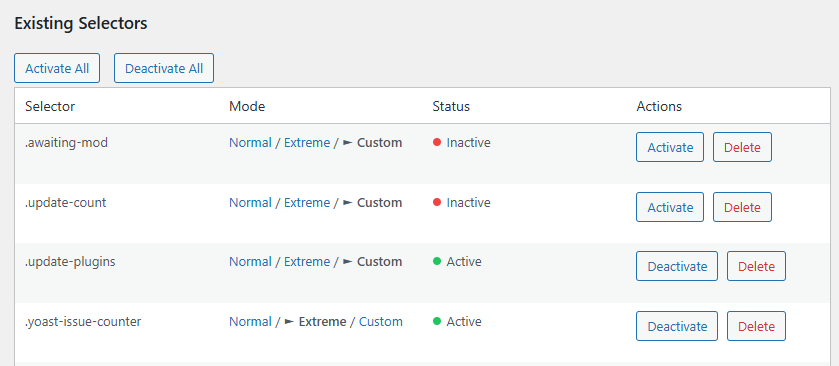
Customise it to suit your client’s needs
Customise the blocks to suit your client needs or for niche notices that aren’t blocked by the included settings.

Tailor them to suit your needs. With the Custom mode you can hide the worst offenders while leaving day to day notices alone.
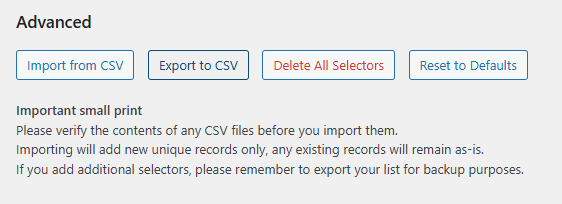
Easily export to CSV and import
Keep your master list up to date on your own site, then export it to CSV. When you start a new client project import the CSV.
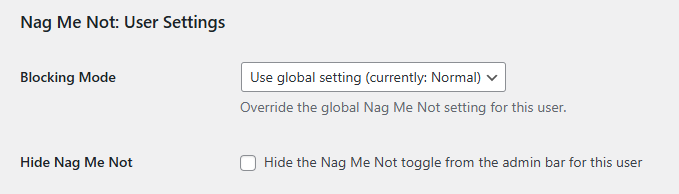
Customise blocking level per user
Would you like to see all notices while hiding them from your client? With Nag Me Not’s per user settings you can set their blocking mode to normal or extreme, while your global setting is off. The admin bar toggle can also be hidden from their user so they won’t turn it off and get a nasty shock.
50% Discount
To claim your 50% discount code for Nag Me Not please get in touch via the contact form, making sure to include your license key.
Administrator Toolkit: Advanced admin management & risk reduction.
Like to know more how Administrator Toolkit can help you?